
SunBet Login
Log in to your SunBet account to reach your casino games, sportsbook markets, and personal dashboard. Manage your MyZaka, Visa, or EFT wallet, track your bonuses, and place bets on the English Premier League or the Botswana Premier League within seconds. New players can register today and claim a 100% deposit match on their first deposit.
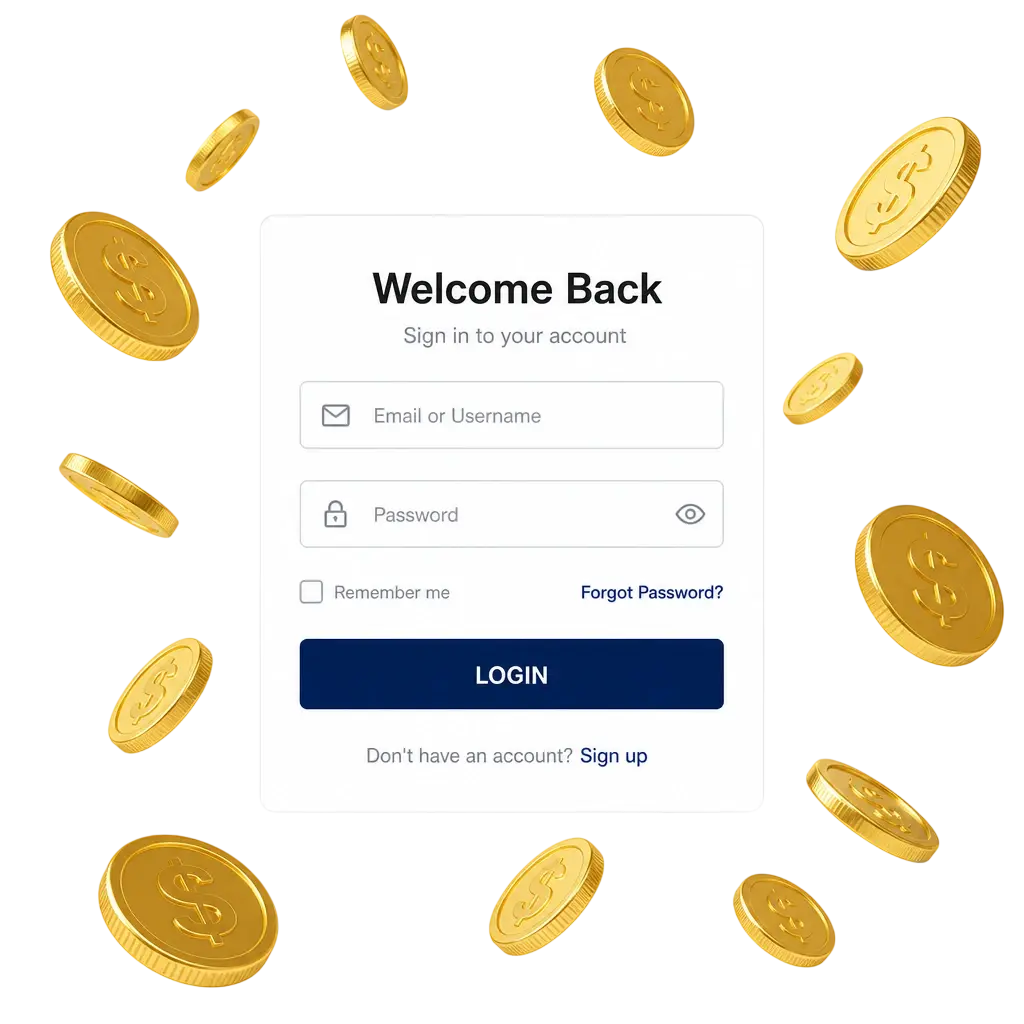
How to Log In to Your SunBet Account
SunBet login completes in under a minute from any device. Follow the three steps below to reach your dashboard.
Click “Log In”
Locate the “Log In” button at the top of this page and select it. A login form opens directly on the screen, with no redirect to another page.
Enter Your Credentials
Type your registered mobile number or email address, then enter your password. Both fields are case sensitive, so check for extra spaces or capital letters.
Access Your Dashboard
Select the login button to confirm your details. Your dashboard loads immediately, showing your wallet balance, active bonuses, and bet history.
Forgot your SunBet password?
If you forget your password, reset it using your registered mobile number or email address. SunBet sends a verification code within 2 minutes, and the entire reset process finishes in under 5 minutes. Botswana players complete this step directly on the website, without contacting support.
- Select “Reset password” below the login form;
- Enter your registered mobile number or email address;
- Enter the verification code sent to your device. It contains 6 digits;
- Create a new password to restore access to your account.
SunBet Mobile Login
The mobile app stores your session after the first login, so credentials do not need retyping on each visit. Website login through a mobile browser asks for your password at every visit, unless the browser saves it automatically.
Download the App
Select the button below to download the Android APK file directly from this website. The file size stays under 25MB and installs on Android 6.0 and later versions.
Enable Unknown Sources
Open your device settings, select Security, then allow installation from unknown sources for this file.
Install and Open the App
Find the downloaded file in your notifications or file manager, then tap to install. Open the app icon once installation completes.
Log In or Use Biometric Access
Enter your mobile number and password, or enable fingerprint login on supported devices. iOS users can complete SunBet sign in through the mobile browser at the same web address.
Confirm Your Session
Select “Log In” to load your dashboard, wallet balance, and active bets.
Login Security & Identity Verification at SunBet
SunBet official website login uses layered checks to protect every account. Each new device triggers an SMS code, and password changes require email confirmation. Identity verification uses your Omang national ID or passport, confirming ownership before your first withdrawal. These steps protect your funds and keep your profile secure.
- SMS verification code required for each new device login;
- Email confirmation link required for password changes;
- 2FA option available in account settings for extra protection;
- Omang ID or passport verification required before first withdrawal;
- Automatic session timeout after 30 minutes of inactivity.
Account Protection Tips for SunBet Users
Account security depends on the habits you build around password management and device access. Follow these tips to reduce the risk of unauthorized login attempts.
- Create a password with at least 8 characters, mixing letters, numbers, and symbols;
- Avoid saving your password on shared or public devices;
- Turn on 2FA in your account settings;
- Log out after every session on shared networks;
- Update your password every 90 days;
- Keep your SMS verification code private, including from SunBet staff.
Troubleshooting Common SunBet Login Issues
Login problems on the platform usually trace back to a small set of causes. Check the list below for a quick solution.
- Incorrect password: select “Reset password” to create a new one within minutes;
- Account locked after failed attempts: wait 15 minutes, or contact live chat support for faster access;
- Slow network connection: switch to Wi-Fi or a stronger mobile data signal before retrying;
- Outdated app version: download the latest APK file from the website and reinstall;
- Browser cache errors: clear your browser cache and cookies, then reload the login page;
- Unverified account: complete Omang ID verification in your profile settings to regain full account access.
FAQ
How long does SunBet log in verification take?
SMS codes arrive within 2 minutes. A full password reset finishes in under 5 minutes.
Can I log in to SunBet with my email instead of my phone number?
Yes. Use either your registered email address or mobile number at the login screen.
What should I do if my account gets locked?
Wait 15 minutes for the lock to clear, or contact live chat support for immediate help.
Is the SunBet mobile app safe to download outside Google Play?
Yes. The APK file downloads directly from the official website and carries the same encryption as the desktop platform.
Do I need to verify my Omang ID before every login?
No. Verification happens once, before your first withdrawal. After that, SMS codes or 2FA secure each session.
Updated: